
Contents of this Post
ToggleAn ordinary campaign image can pass through several kinds of AI processing before publication. One tool may change a product’s color, another may place it in a new setting, and a third may generate space beyond the original frame. Calling all three actions “AI editing” hides differences that matter to legal and compliance teams.
A workable review process asks what changed, which parts remain authentic, and what a reasonable viewer may infer from the result. That approach gives higher-risk edits more scrutiny without turning routine creative work into a legal project.
Start with the claim the image appears to make
Before anyone opens an editing tool, the brief should state the image’s intended use. A mood-board concept, an internal sales mockup, and a public advertisement do not carry the same risk. Neither do an abstract background and a realistic image of a named person using a product.
The reviewer should focus on the apparent claim, not only the prompt. If a composite makes it look as though a celebrity endorsed a service, a customer visited a location, or a product performed under certain conditions, the fact that nobody typed those words into the prompt offers little comfort. The finished image is what the audience sees.
A short risk note can identify whether the work contains a recognizable person, protected branding, confidential material, regulated claims, or a realistic reconstruction of an event. Specific obligations depend on the jurisdiction and use, but those questions help route the asset to the right reviewer.
Keep a record of source material and permissions
Every project should have a simple asset record. It should identify each upload’s source, owner, permitted use, and restrictions on alteration. Stock licenses, client contracts, employee consent, and model releases may allow publication while limiting synthetic modification or use in advertising.
Keep the original files alongside the prompt, selected settings, generated result, and approved export. A consistent project folder and a short approval form may be enough for a small team. What matters is being able to reconstruct how the published image was made.
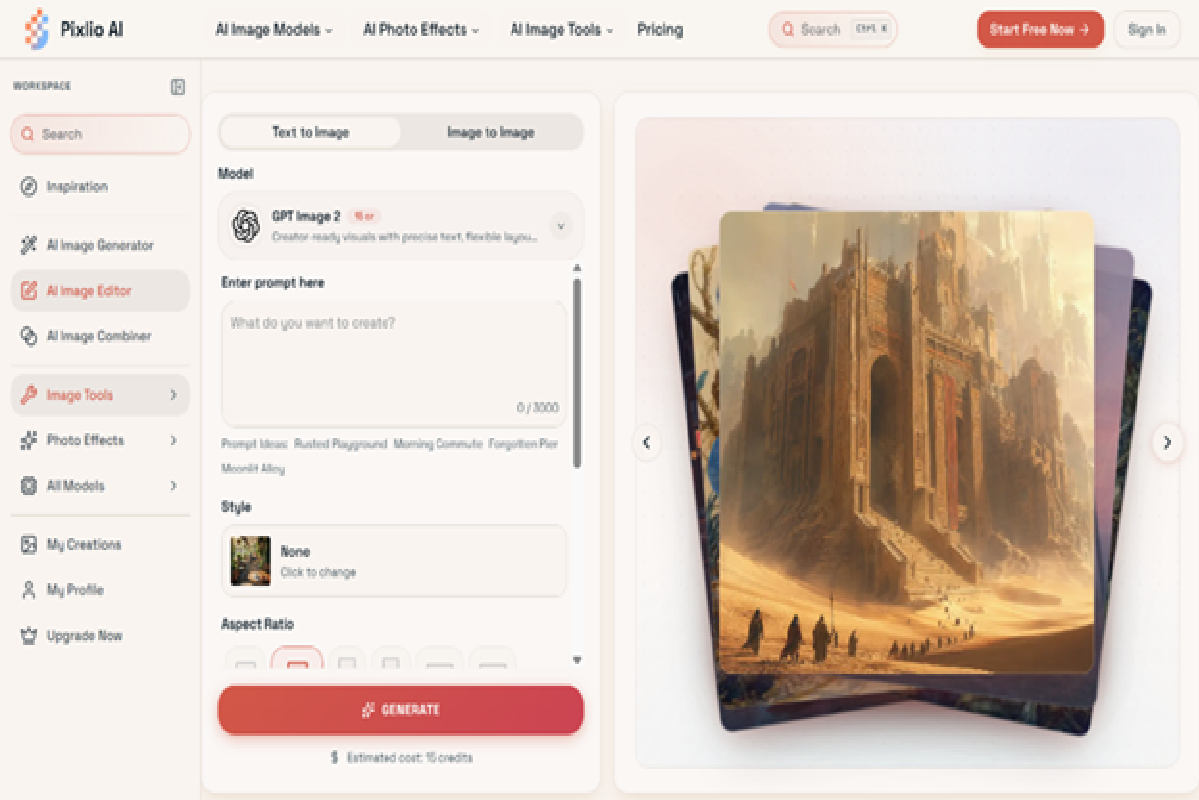
With Pixlio’s AI image editor, teams can work from text or uploaded reference images, select among different models, set the aspect ratio and output format, and use a seed where supported. Those settings are worth recording alongside the final export, since a business may later need to reproduce the edit or explain how a published image was produced.
Review composites for false associations
Image combining deserves separate treatment because it can create a believable relationship between elements that were never photographed together. An ecommerce team might place a product in a kitchen, while an events company might assemble speakers into one promotional scene. Both can be legitimate illustrations. Trouble begins when presentation turns an illustration into apparent evidence.
The Pixlio AI image merger includes guided modes for placing a product in a scene, moving a subject into a background, or creating an artistic blend. It handles lighting, shadows, scale, and edges automatically, and users can add instructions about which elements to preserve. Because a natural result may be more persuasive than a rough collage, reviewers should check logos, text, faces, product details, and the relationship implied by the setting. Pixlio also notes that fine details may shift in complex combinations, which makes comparison with the source files essential.
When a composite is illustrative, captions and surrounding copy should not suggest that it records a real customer, location, endorsement, installation, or test. The image and the words around it need to tell the same truthful story.
Treat generated space as new content
Outpainting may look like a simple format change, but the added area is generated content. A tool can extend sky above a portrait, add floor below a product, or turn a horizontal photo into a vertical social post. The original subject may remain unchanged while the wider scene introduces objects, architecture, signage, or context that never existed.
The AI image extender offers preset frames for stories, banners, product images, portraits, and phone wallpapers. Users can expand selected edges and reposition the original within the new frame. That format-first, directional approach helps keep each generation limited. Reviewers should still inspect every added region, particularly where the setting could imply a specific place, event, safety condition, or product feature.
Approve the exact file that will be published
Human approval should attach to a specific export, not to a prompt or general creative direction. Regenerating with the same instructions can produce different details. An approved file should be locked or clearly marked, and any later generation should return to review.
The final check should happen in context. View the image with its headline, caption, disclosure, cropping, and call to action. Confirm that mobile cropping does not remove a qualification or make an illustrative scene appear documentary. Check that generated text is accurate and that trademarks and people have not changed during editing.
AI image governance works best when it follows the actual edit. Record the inputs, classify the transformation, examine the new visual claim, and approve the final export. That process gives creative teams room to work while preserving a clear account of what the business chose to publish.